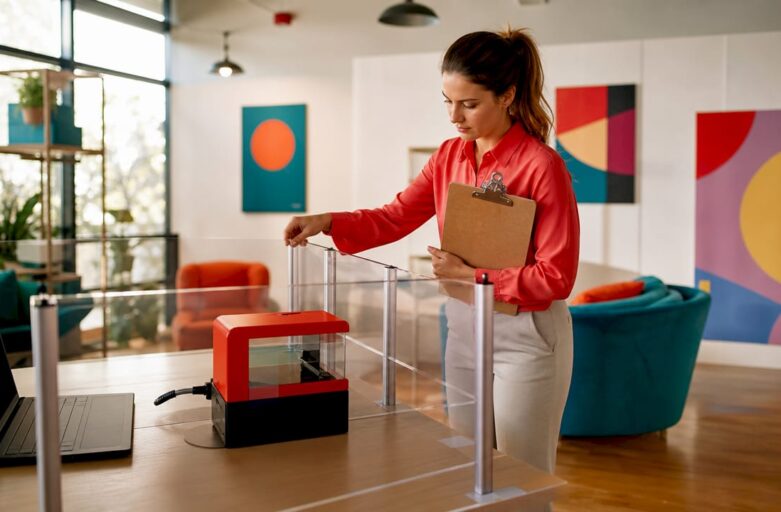
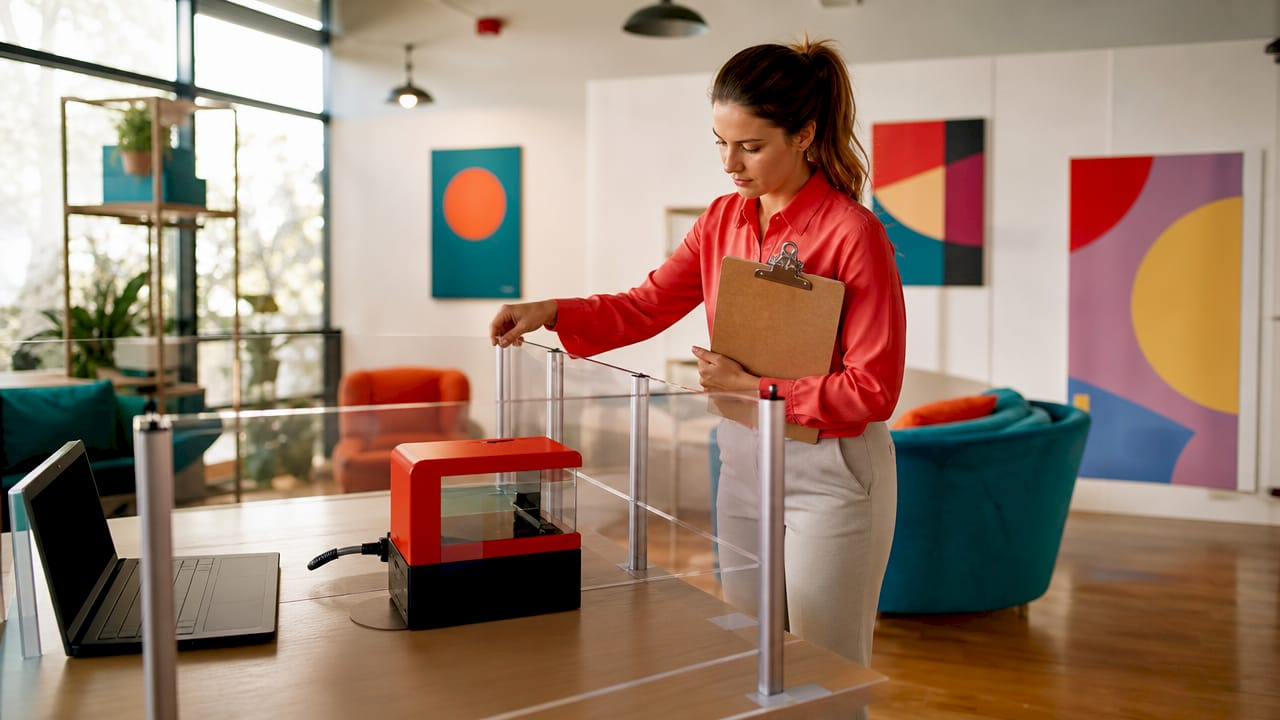
Laser shooting safety for offices is defined as the set of physical controls, administrative procedures, and participant protocols that prevent accidental exposure and ensure everyone stays safe during laser-based team-building activities. Office laser shooting events use Class 3a lasers rated at 5mW or less, which are inherently safe for indoor environments without requiring eye protection or dedicated laser safety officers. Standards from OSHA and ANSI Z136.1 set the broader regulatory framework, but the practical controls for office events are far simpler than those required in industrial settings. Getting these controls right means the difference between a memorable team event and an avoidable incident.
What are the laser classes and their safety implications for offices?
The laser classification system runs from Class 1 to Class 4, and the class determines the level of hazard and the controls required. Understanding where office laser shooting sits on that scale removes a great deal of unnecessary anxiety for office managers.
| Laser class | Power output | Typical use | Eye protection required? |
|---|---|---|---|
| Class 1 | Negligible | Laser printers, CD players | No |
| Class 2 | Up to 1mW | Barcode scanners | No |
| Class 3a (3R) | Up to 5mW | Laser pointers, office shooting games | No |
| Class 3B | 5mW–500mW | Research, physiotherapy devices | Yes |
| Class 4 | Over 500mW | Industrial cutting, surgery | Yes, plus full controls |
Class 3a lasers, used in office laser shooting games, sit firmly in the safe zone. Dry-fire laser cartridges produce low-energy pulses with no physical projectile and no radiation risk in typical indoor use. That means no lead, no noise, and no requirement for specialist protective equipment.
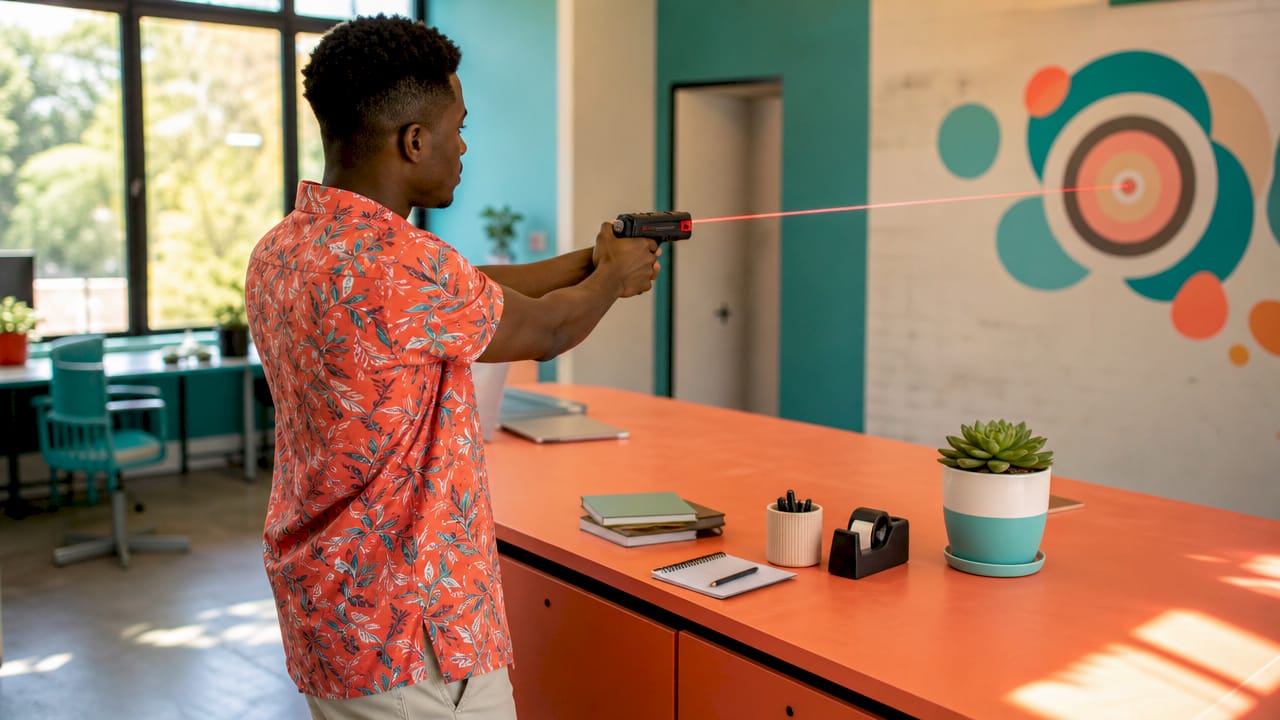
Class 3B and Class 4 lasers are a different matter entirely. Higher power lasers require written standard operating procedures, designated laser safety officers, engineering interlocks, warning lights, and personal protective equipment. None of that applies to the Class 3a equipment used in office team-building events.
Pro Tip: Event organisers commonly confuse consumer-grade laser games with industrial laser hazards. If your supplier confirms the equipment is Class 3a or below, you do not need a laser safety officer or specialist eye protection for participants.
What are the essential controls for laser shooting safety in offices?
The primary safety concern in low-power laser events is situational awareness and administrative control, not biological exposure. That distinction matters because it shifts your focus from expensive engineering solutions to practical event management.
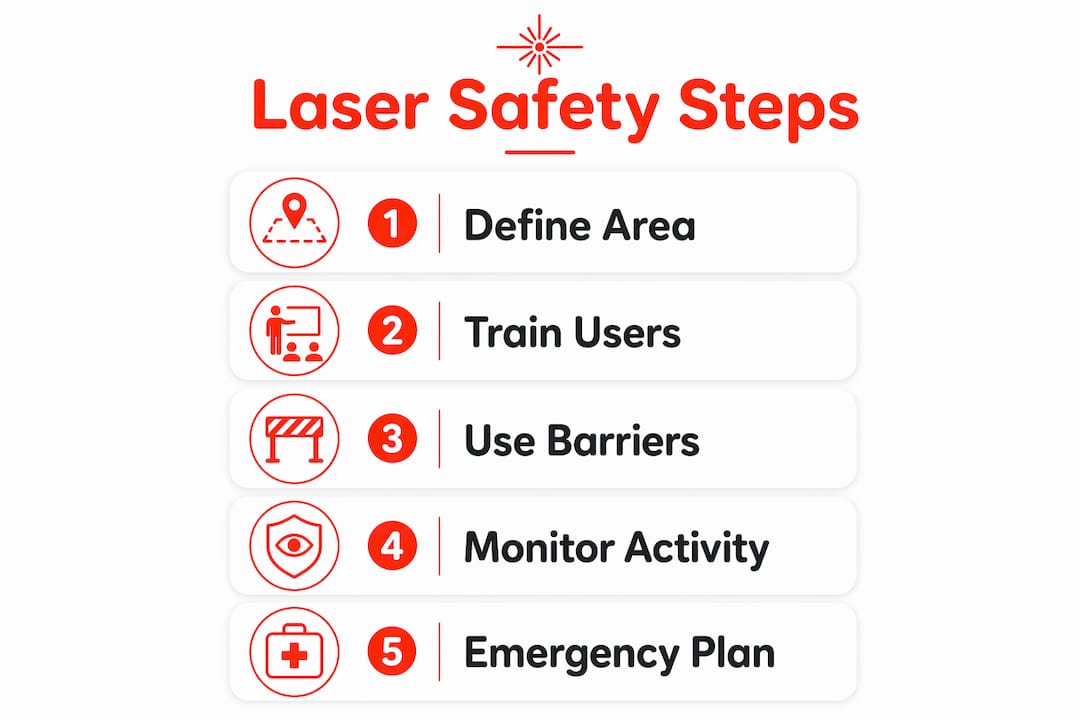
Physical controls form the first layer of protection. A designated “Laser Controlled Area” uses temporary partitions, curtains, or barriers to define the shooting zone and prevent unintended participants from walking into an active session. Temporary partitions and battery-operated warning lights should be active during all live phases of the event. Clear signage at every entry point communicates that a laser activity is in progress.
Administrative controls sit alongside the physical setup and are equally important. These include:
- A pre-event safety briefing covering equipment handling, target zones, and prohibited behaviours
- Clearly assigned range supervisors who remain active throughout the session
- Written rules distributed to all participants before the event begins
- A check-in process confirming every participant has received and understood the briefing
- A defined procedure for pausing or stopping the event if a safety concern arises
Laser hazard awareness training is the minimum standard recommended for anyone using light-emitting devices, including participants in office games. That does not mean a formal course. A ten-minute briefing covering the four key rules, correct handling, and target discipline satisfies the requirement for Class 3a events.
Pro Tip: Avoid pointing laser devices at reflective surfaces such as glass partitions, whiteboards, or polished floors. Opaque barriers or curtains around target areas prevent problematic reflections that could interfere with office equipment or distract participants in adjacent areas.
How do official safety standards apply to office laser events?
OSHA and ANSI Z136.1 are the two primary frameworks that govern laser safety in the United States and influence international best practice. OSHA’s General Duty Clause requires employers to maintain a workplace free from recognised hazards. That duty applies to event-based laser activities even when the lasers involved are low-power Class 3a devices.
ANSI Z136.1 sets detailed requirements for higher-class lasers, including mandatory written standard operating procedures and appointed laser safety officers. Those requirements do not apply to Class 3a office events. The practical implication is that office managers do not need to build a formal laser safety programme, but they do need to document their event controls and demonstrate that recognised hazards have been managed.
The key employer responsibilities for office laser events are:
- Conducting a brief written risk assessment before the event
- Confirming equipment class with the supplier in writing
- Documenting the safety briefing and participant sign-off
- Assigning a named supervisor responsible for safety during the session
- Retaining records in case of a workplace incident review
The distinction between industrial and event-based laser safety is significant. Class 3B and Class 4 laser programmes require engineering controls and dedicated personnel that are simply not relevant to office gaming. Knowing that boundary protects office managers from over-engineering their safety response and from under-preparing for the controls that genuinely matter.
What practical steps should office managers take before a laser shooting event?
Preparation is the single biggest factor in running a safe laser shooting event. A well-prepared office manager removes almost every foreseeable risk before participants arrive.
- Confirm equipment class. Request written confirmation from your supplier that all devices are Class 3a or below. Laserclay’s corporate team-building events use low-power laser systems designed specifically for indoor office use.
- Conduct a written risk assessment. Walk the venue, identify reflective surfaces, note entry points, and document your controls. This takes under an hour and satisfies your OSHA General Duty obligations.
- Set up the Laser Controlled Area. Use opaque barriers or curtains to define the shooting zone. Place battery-operated warning indicators at all entry points and activate them before the session begins.
- Prepare a safety briefing checklist. Cover trigger discipline, approved target zones, prohibited behaviours (no running, no physical contact, no pointing at faces), and the procedure for pausing the event.
- Brief all participants before play begins. Laser hazard awareness is the baseline standard for everyone involved. Collect a signed acknowledgement from each participant.
- Assign a named range supervisor. This person does not participate in the game. Their sole role is to monitor safety, enforce rules, and stop the session if required.
- Conduct a post-event review. Note any near-misses, equipment issues, or rule violations. Update your checklist for the next event.
Pro Tip: Use opaque curtains rather than glass or mesh partitions. Reflective surfaces scatter laser pulses unpredictably and can cause momentary distraction for participants near office workstations.
The laser clay team-building guide for event planners covers additional venue-specific considerations for offices of different sizes and layouts.
Key takeaways
Laser shooting safety for offices depends on using Class 3a equipment, establishing a defined Laser Controlled Area, and delivering a structured participant briefing before every session.
| Point | Details |
|---|---|
| Use Class 3a lasers only | Devices rated at 5mW or less require no eye protection and no laser safety officer. |
| Set up a Laser Controlled Area | Use opaque barriers and warning lights to define the shooting zone before the session begins. |
| Brief every participant | Laser hazard awareness training is the minimum standard; a ten-minute briefing satisfies this for Class 3a events. |
| Document your controls | A written risk assessment and participant sign-off satisfy OSHA General Duty obligations for office events. |
| Assign a dedicated supervisor | One named person monitors safety throughout the session and holds authority to stop play. |
Why safety culture matters more than equipment specs
Most office managers I speak with focus almost entirely on the equipment when planning a laser shooting event. They want to know the power output, the range, the sensor accuracy. Those questions matter, but they are not where events go wrong.
Events go wrong when participants are not briefed properly, when no one is clearly in charge of safety, and when the shooting zone bleeds into general office space because no one set up proper barriers. I have seen well-equipped events run badly because the organiser assumed the low-power nature of the lasers meant safety could be treated as an afterthought.
Treating laser devices with trigger discipline akin to real firearms instils a more professional environment, even though the devices are inherently harmless. That mindset shift changes how participants handle equipment, how they move around the space, and how seriously they take the briefing. It costs nothing and makes every session safer.
Ongoing safety reinforcement matters more than a single pre-event talk. A good supervisor reminds participants of the rules at the halfway point, not just at the start. That repetition is what builds a genuine safety culture rather than a compliance tick-box.
The best events I have observed share one feature: a designated safety supervisor who is visibly present, actively watching, and empowered to pause play without hesitation. That single role, done well, eliminates the vast majority of foreseeable risks.
— Joshua
Laserclay: safe, sustainable laser shooting for corporate teams
Laserclay brings laser clay shooting to corporate offices with a system built around Class 3a low-power lasers, no live ammunition, and no environmental waste from lead shot. Every event includes equipment that meets indoor safety standards, a structured participant briefing, and experienced supervisors who manage the session from start to finish.
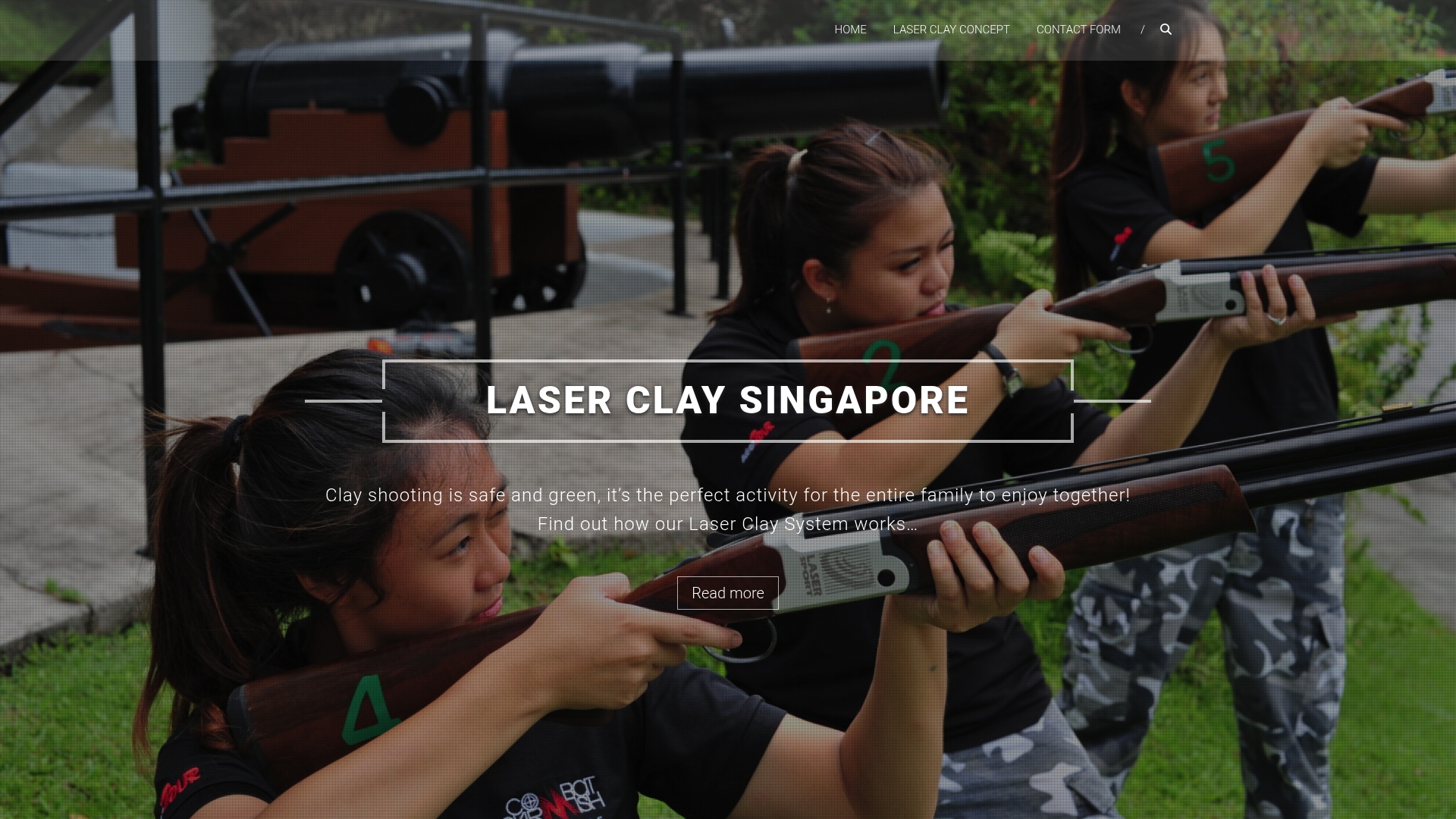
Office managers get a fully managed experience with safety controls already built in. There is no need to source barriers, write briefing checklists from scratch, or train your own range supervisor. Laserclay handles the setup, the safety programme, and the post-event pack-down. For corporate groups looking for a team-building activity that is genuinely safe and memorable, book a corporate event with Laserclay and get a full safety briefing included as standard.
FAQ
Are Class 3a lasers safe for indoor office use?
Class 3a lasers rated at 5mW or less are considered safe for indoor environments and do not require eye protection or a laser safety officer. They are the standard class used in office laser shooting games.
Does OSHA apply to office laser shooting events?
OSHA’s General Duty Clause requires employers to manage recognised hazards, which includes laser activities even at low power. A written risk assessment and documented participant briefing satisfy this obligation for Class 3a events.
What is a Laser Controlled Area and do I need one?
A Laser Controlled Area is a defined zone using opaque barriers and warning signage to contain laser activity. Setting one up is best practice for any office laser shooting event, regardless of the laser class used.
How long should a laser safety briefing take?
A ten-minute briefing covering trigger discipline, approved target zones, prohibited behaviours, and the stop procedure satisfies laser hazard awareness requirements for Class 3a office events.
What is the difference between office laser games and industrial laser safety?
Industrial Class 3B and Class 4 lasers require written standard operating procedures, laser safety officers, and engineering controls. Office laser games use Class 3a devices where simple administrative controls and a participant briefing are sufficient.