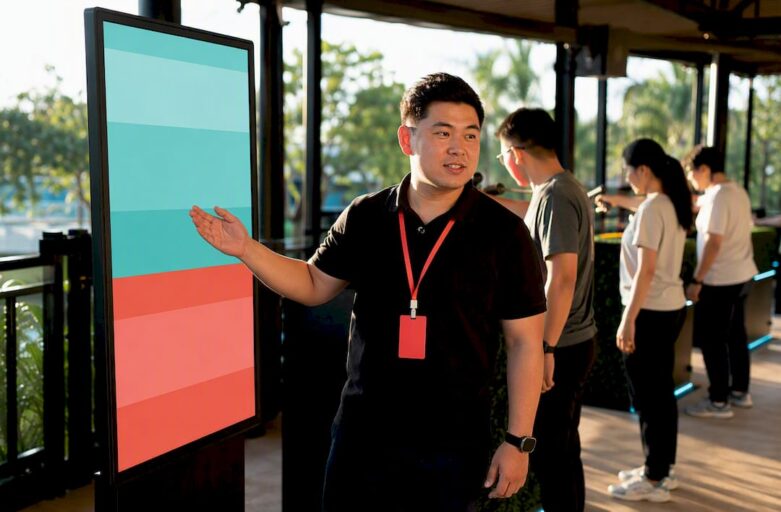
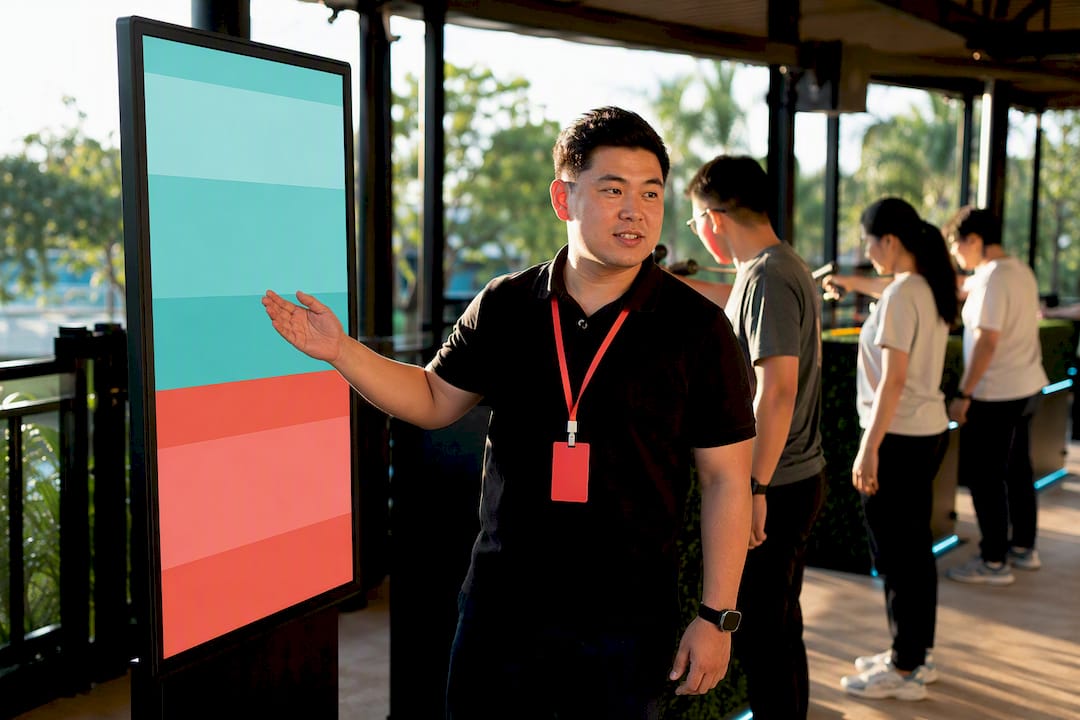
Use a public, live-updating visual leaderboard with scoring rules published before anyone plays. Show it on a projector or TV for the room, plus a public link and QR code for hybrid or roaming attendees, and rotate between full-screen and multi-board views if you’re running several games at once. This setup suits quiz nights, hackathons, and company Olympics equally well, and it works whether you are tracking ten teams or two hundred.
TL;DR:
- Leaderboards should be published with clear scoring rules before the event and remain unchanged after rounds unless correcting errors.
- Visual displays must be placed where participants naturally observe them, and reliable backup plans are essential in case of technical failure.
- Live updates via public links, QR codes, or screens increase engagement and trust, but testing on actual venue equipment is crucial beforehand.
- Scoring formats such as cumulative, weighted, or bracket-based should match the event type and be transparently communicated to ensure fairness.
- Laser-clay activities offer a quick, safe scoring station ideal for corporate events, easily integrated with other leaderboard formats.
Table of Contents
- Event leaderboard ideas that work as soon as you set them up
- Which scoring format to pick and how to design fair points
- Display and tech options for a visible, reliable board
- Managing winners, prizes and disputes without the drama
- A 10-step checklist to run your leaderboard on the day
- How laser-clay scoring slots into a leaderboard format
- Planner perspective: quick fixes for common leaderboard headaches
- Add a leaderboard-ready activity to your next event
- Sources
- FAQ
Event leaderboard ideas that work as soon as you set them up
Most leaderboard failures come down to one thing: nobody can see it properly, or nobody trusts the numbers on it. The visual concepts below fix both problems, and each one pairs naturally with certain event types.
- Full-screen countdown board. A single ranked list with team names, points, and a live rank-change arrow. Works for quiz nights and trivia contests; project it at 1080p minimum so text stays legible from the back row.
- Split-screen relay tracker. Two or more teams shown side by side with progress bars rather than numbers. Ideal for company Olympics relay rounds and obstacle-course days.
- Analogue flip-tile board with digital sync. Physical flip numbers for nostalgia, backed by a phone app updating the same data for remote viewers. Good for retro-themed carnivals and school fairs.
- Bracket-style knockout display. Shows the tournament tree collapsing round by round. Best for hackathon pitch-offs and sports-day knockouts.
- Podium tile view. Highlights top three with photos or avatars, rest of the field scrolls below. Works well for birthday party competitions and small team challenges.
- Sponsor-branded scoreboard strip. A leaderboard with a rotating sponsor banner along the top or bottom. Suited to corporate conferences and festival stages, since it doubles as sponsor visibility, as BoardQ notes.
- Heat-map leaderboard. Colour-coded tiles show hot streaks and cold spells rather than plain rankings. Fun for gamified sales contests or fitness challenge weeks.
- Multi-board carousel. Several boards (per game, per zone) cycling automatically every 15 to 20 seconds on one screen. Works for carnivals or camps running parallel activities.
- QR-only mobile board. No screen at all, just a printed QR code at each station linking to a live public page. Great for outdoor or low-power venues.
- Tabletop tablet leaderboard. Small screens at each station showing local standings, syncing to a master board elsewhere. Useful for corporate team-building stations spread across a floor.
Pro Tip: Test your chosen board on the actual venue screen at least a day out. Projector colours and font sizes read very differently under stage lighting than on your laptop.
Which scoring format to pick and how to design fair points
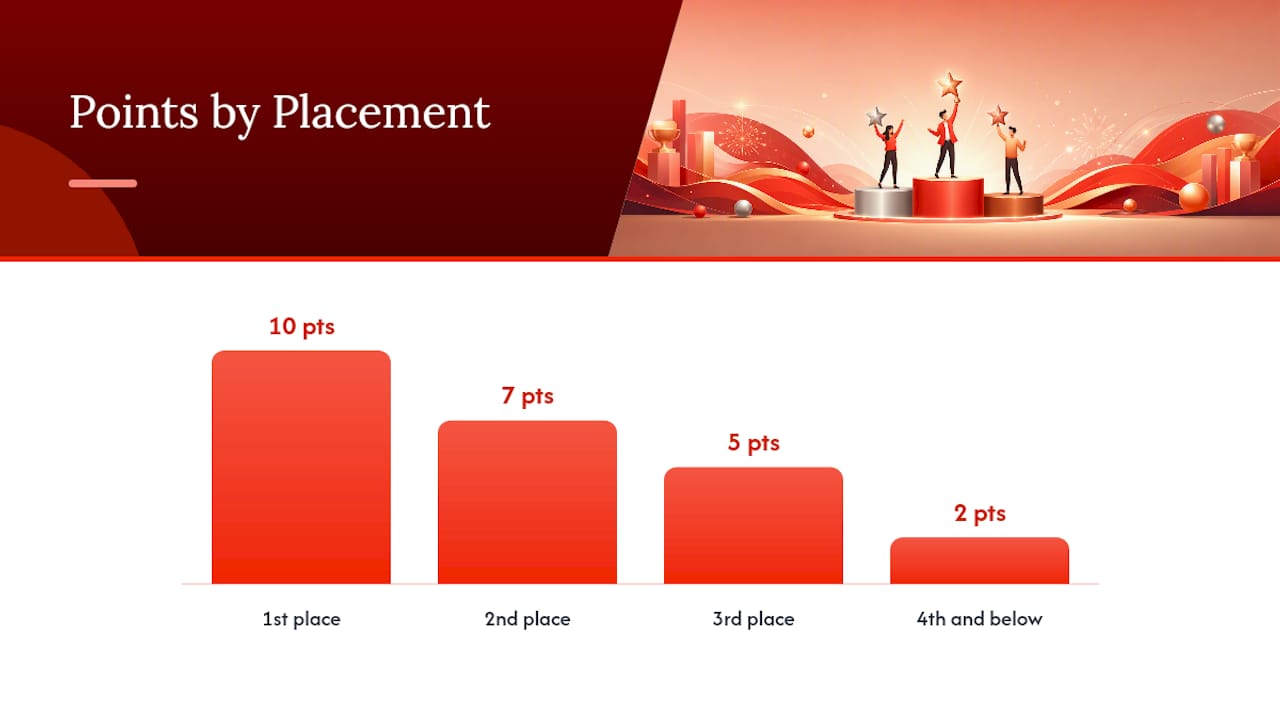
Cumulative points suit multi-round events where every task counts toward a running total. Weighted scoring works when some tasks matter more than others, such as a final round worth double. Win to loss records fit head-to-head games like table tennis brackets. Bracket formats suit knockout tournaments where losing once ends your run.
A typical company Olympics might allocate points like this:
| Placement | Points awarded |
|---|---|
| 1st | 10 |
| 2nd | 7 |
| 3rd | 5 |
| 4th and below | 2 |
Three rules keep it fair:
- Publish the scoring rubric before the first round starts, not after disputes arise.
- Limit last-minute edits. Once a round closes, treat those scores as final unless there’s a clear error.
- Nominate one scorekeeper who owns the numbers, rather than letting multiple people update the board.
Pro Tip: MakeTheBoard’s guidance on running competition leaderboards backs this up directly: live updates, public visibility, and rules declared in advance are the three fundamentals that separate a smooth leaderboard from a contested one.
Display and tech options for a visible, reliable board
Live updates matter more than most planners expect. A board that refreshes every few seconds via a public link or WebSocket connection keeps the room’s attention on the competition rather than on wondering if the numbers are stale.
- Projector or LED wall for large venues where everyone needs a clear sightline.
- TV screens at multiple points around a venue for carnivals or camps with scattered activity zones.
- Tablet stations at each game for smaller, close-quarters setups.
- Public link plus short URL so attendees can check standings on their own phones without asking staff.
- QR codes placed near entrances and score stations, not buried on a slide, so people actually scan them.
Airmeet’s leaderboard tools let organisers allocate up to 100 points per activity and restrict participation by domain, which is handy for hybrid or membership-only events. Public, real-time leaderboards also tend to lift engagement on their own: BoardQ’s platform argues that visible standings create social momentum, pulling in repeat participation and giving sponsors more exposure. Always have a backup, whether that’s a printed standings sheet or a second device mirroring the feed, in case the venue Wi-Fi drops mid-event.
Managing winners, prizes and disputes without the drama
Decide your prize structure before the event, not while people are already asking who won. Publish the number of winners, what each tier receives, and any eligibility restrictions, such as limiting a leaderboard to one department or one age group.
- Draft a short winner-announcement script in advance, including sponsor mentions if relevant.
- Record how disputes get resolved: who has final say, and what evidence (photos, timestamps) counts.
- Keep eligibility rules visible on the board itself or on signage nearby.
- Match prizes to event tone: vouchers and trophies for corporate contests, small toys or certificates for school camps, bragging rights and a shout-out for casual office games.
A 10-step checklist to run your leaderboard on the day
- Confirm the scoring format and rubric.
- Finalise the participant or team list.
- Set starting scores and test the display end to end.
- Assign one scorekeeper for the day.
- Decide the update cadence (between rounds, not mid-round).
- Print or display QR codes at each station.
- Prepare the prize table and announcement script.
- Run a five-minute test with sample scores before doors open.
- Update the board at each agreed checkpoint.
- Publish the final standings and archive the data afterwards.
Pro Tip: MakeTheBoard’s walkthrough shows most template services let you create a board, add participants, and share a public link in a few minutes, so there’s no reason to leave setup until the morning of the event.
How laser-clay scoring slots into a leaderboard format
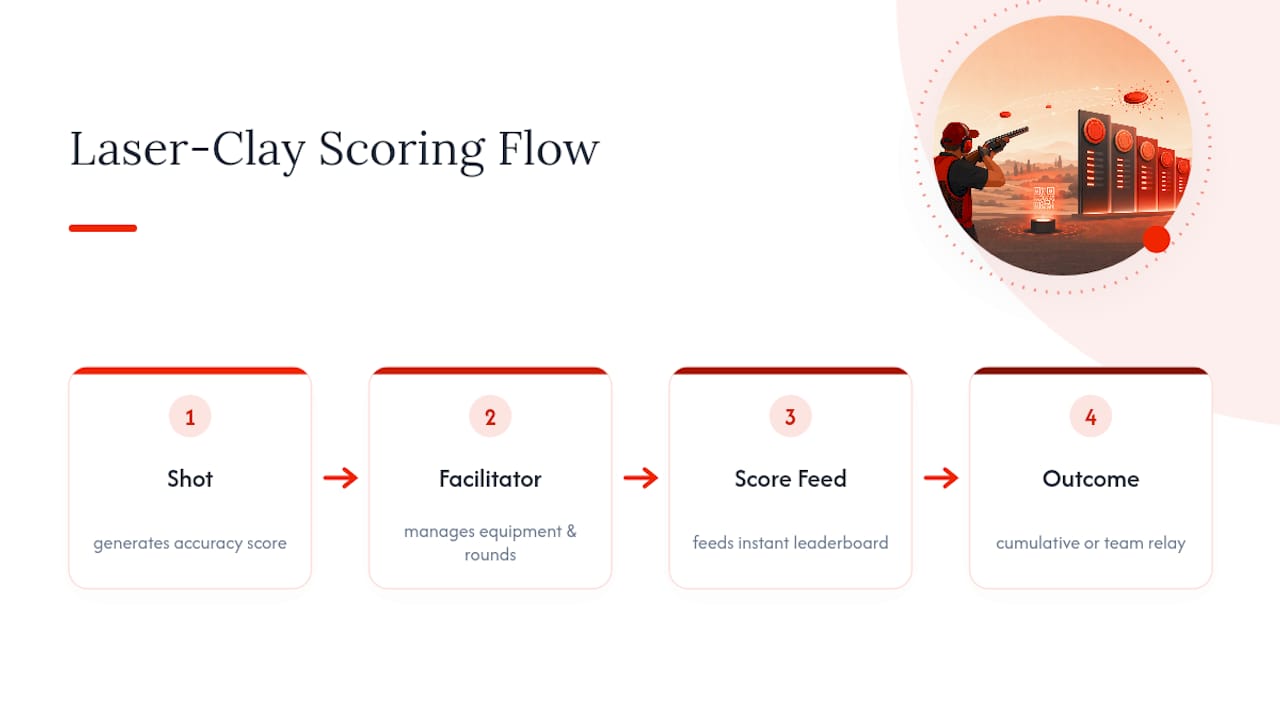
Laser-clay sessions map cleanly onto the formats above. Each shot generates an accuracy score, which feeds straight into a cumulative leaderboard or a team relay format where squads rotate through stations. There’s no lead ammunition and no live cartridges, which removes a layer of safety planning most shooting activities carry. Sessions typically run as timed rounds with a facilitator managing the equipment, and the whole setup is portable enough to fit into a company Olympics alongside other scored stations. Digital scoring in shooting sports already lends itself to this kind of instant leaderboard feed.
Planner perspective: quick fixes for common leaderboard headaches
Most leaderboard complaints trace back to placement, not technology. Put the screen where people naturally queue, not where it’s convenient to plug in. Write the scoring rule in one sentence before round one, so nobody can argue interpretation later. And always have a paper backup plan, because Wi-Fi fails at the worst moment more often than anyone admits.
— Joshua
Add a leaderboard-ready activity to your next event
Laser Clay gives you a scoring activity that’s already built for a leaderboard: every shot logs an accuracy score, team relays feed straight into cumulative totals, and there’s no lead ammunition or live cartridges to manage on-site. It’s a fit for corporate team-building days and company Olympics rounds where you want a scored station that slots between quiz rounds or relay games without extra safety overhead.

Setup works indoors or outdoors, and sessions run in fixed time blocks so you can schedule them against your other leaderboard stations without guesswork. If you’re building a scored, multi-station event, start with how laser clay fits event formats or check dates directly on the Laser Clay Singapore booking page.
Sources
For setup walkthroughs, see Airmeet’s leaderboard guide and MakeTheBoard’s template. For ranking theory, see group voting methods and graph-based ranking models. Fantasy-sports leaderboard mechanics are covered in Tweener’s guide.
- How to set up Leaderboard on Airmeet to maximise attendee engagement
- How to run a competition leaderboard (Scoring formats, display tips, and a free template)
- Event scoreboard & leaderboard for conferences, festivals & hackathons – BoardQ
FAQ
How do I create my own leaderboard?
Pick a scoring format, set up a board on a template service or platform like Airmeet, add your participants, and share it via a large screen plus a public link or QR code so everyone can check standings live.
What are the different ways to display a leaderboard?
Common options include projector or LED wall for full venues, TV screens at multiple stations, tablets at individual games, and a mobile-friendly public link accessed through a QR code.
Can you give an example of a leaderboard?
A company Olympics leaderboard might rank teams by cumulative points across five games, showing 1st place with 10 points down to 4th and below with 2 points, updated live on a projector between rounds.
What are some examples of leaderboard-style displays for events?
Sponsor-branded scoreboard strips at conferences, podium tile views at birthday parties, and heat-map boards for sales contests all use the same live-ranking principle with different visual dressing for the crowd they’re built for.
How do laser-clay sessions fit into an event leaderboard?
Accuracy scores from each shot feed directly into a cumulative or relay-style leaderboard, making laser-clay stations easy to slot alongside other scored activities at a team-building event.